


 Counter Attack Master
Master the counter attack skill. Increase the chance of counter attack in a fight
Learn skills and unlock their available upgrades.
Learned skills appear in colour. Locked or unlearned skills use their inactive artwork.
After learning a skill that supports an upgrade, select Upgrade to preview the next version and its costs. Confirm the upgrade from that preview. Not every skill has an upgraded version.
Learning costs and upgrade costs are separate. Requirements below update from the game configuration.
| Skill | Level | Learning cost | Upgrade | Upgrade cost |
|---|---|---|---|---|
 Overdose Overdose | 1 |
|  Overdose II Overdose II |
|
 Auto Recharge Auto Recharge | 1 |
| — | — |
| Counter Attack Master | 2 |
| — | — |
 Precocious Precocious | 7 |
|  Advanced Precocious Advanced Precocious |
|
 Batter Master Batter Master | 10 |
| — | — |
 Targeting Targeting | 10 |
| — | — |
 EXP Lock EXP Lock | 10 |
| — | — |
 Wrath Wrath | 11 |
| — | — |
 Last Blood Last Blood | 13 |
| — | — |
 Lightning Strike Lightning Strike | 15 |
| — | — |
 Call Friend Call Friend | 18 |
| — | — |
 Pets Master Pets Master | 20 |
| — | — |
 Sheep Spell Sheep Spell | 24 |
|  Advanced Sheep Spell Advanced Sheep Spell |
|
 Stone Spell Stone Spell | 25 |
|  Advanced Stone Spell Advanced Stone Spell |
|
 Blizzard Blizzard | 26 |
|  Advanced Blizzard Advanced Blizzard |
|
 Tornado Tornado | 28 |
| — | — |
 Storm Storm | 32 |
| — | — |
These descriptions and stat ranges are the values shown in School. A displayed STR range is not a fixed final damage total.
Counter Attack MasterMaster the counter attack skill. Increase the chance of counter attack in a fight
PrecociousReduce your shopping and using level restriction by 3
Advanced PrecociousReduce your shopping and using level restriction by 5
Batter MasterMaster the batter skill. Increase the chance of batter in a fight
TargetingThe skill only helps you in the guild war/league fight. Players with the skill can concentrate firepower on one target in guild war/league fight
WrathMaster the wrath skill. Increase the chance of wrath in a fight. The damange doubles when attack with wrath
Last BloodSurvive with the last drop of blood. No matter how fiecely the attack is. It is a very useful skill
Lightning StrikeStrike your enemy with a lightning from above
 +100–200%
Call FriendCall a friend to join the fight. You can only call friends with similar level. Friends who are 3 level higher, or 3 level lower than you won't be called
Pets MasterMaster the pets, carry up to 3 pets in a fight
Sheep SpellTurn your enemy's pet into a sheep
Advanced Sheep SpellTurn all your enemy's pets into sheep
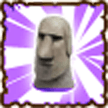
Stone SpellTurn your enemy into a stone for 2 rounds fight
Advanced Stone SpellTurn your enemy into a stone for 3 rounds fight
BlizzardFreezing all targets for one round
+40–80%
Advanced BlizzardFreezing all targets for two rounds
+50–100%
TornadoTornado, cast big damage on multiple targets
+50–100%
StormStorm, cast big damage on multiple targets
+60–120%
Screenshots of the in-game School interface, captured with local demonstration data. Select an image to enlarge it.
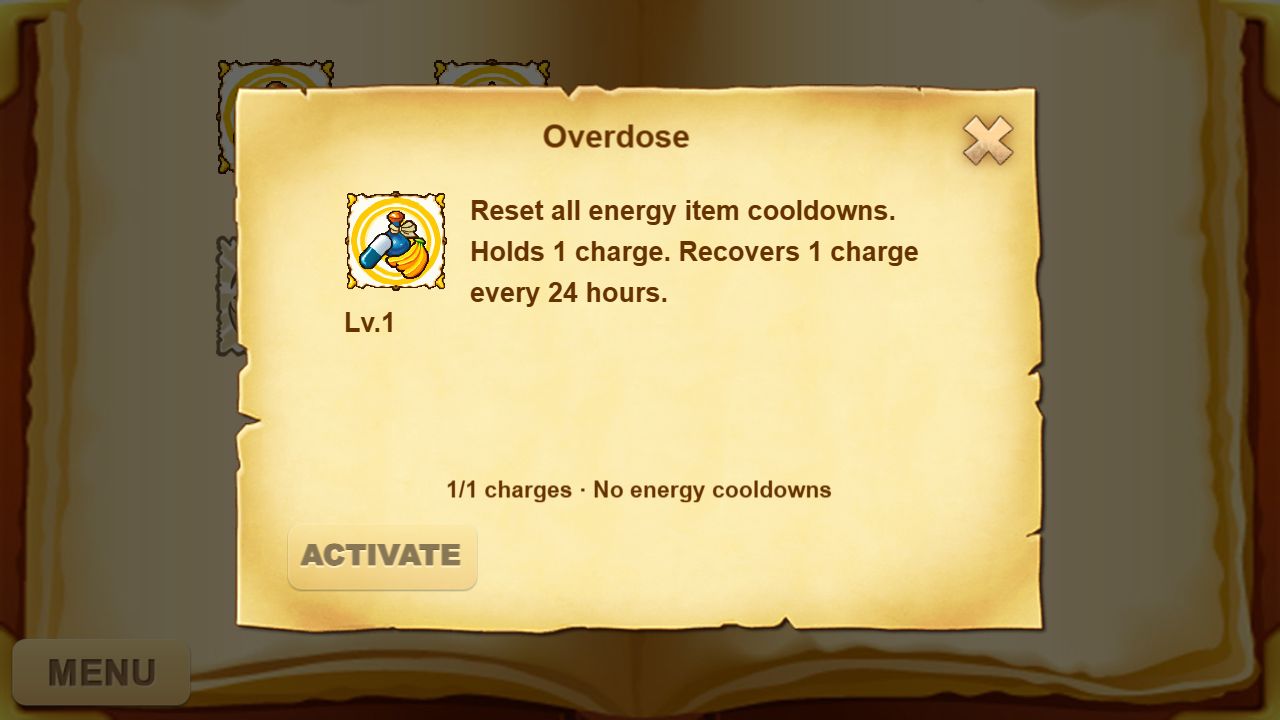
Resets energy-item cooldowns. Overdose stores 1 charge; Overdose II stores 2. One charge recovers every 24 hours. Open the learned skill and select Activate when you have a charge and an energy item is on cooldown. It resets cooldowns; you still need an energy item to restore energy.
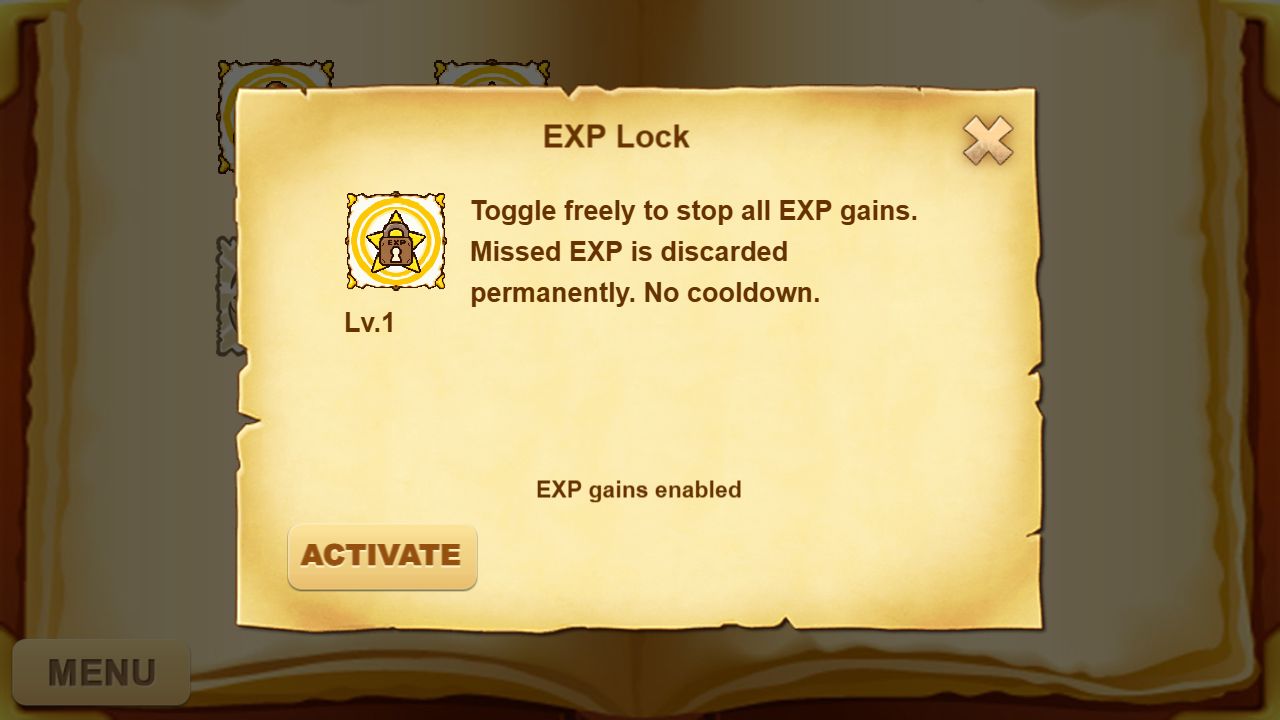
Stops EXP gains while active. Open the learned skill and select Activate to lock EXP, or Deactivate to allow EXP gains again. You can toggle it freely with no cooldown. EXP missed while locked is permanently discarded, not saved for later.
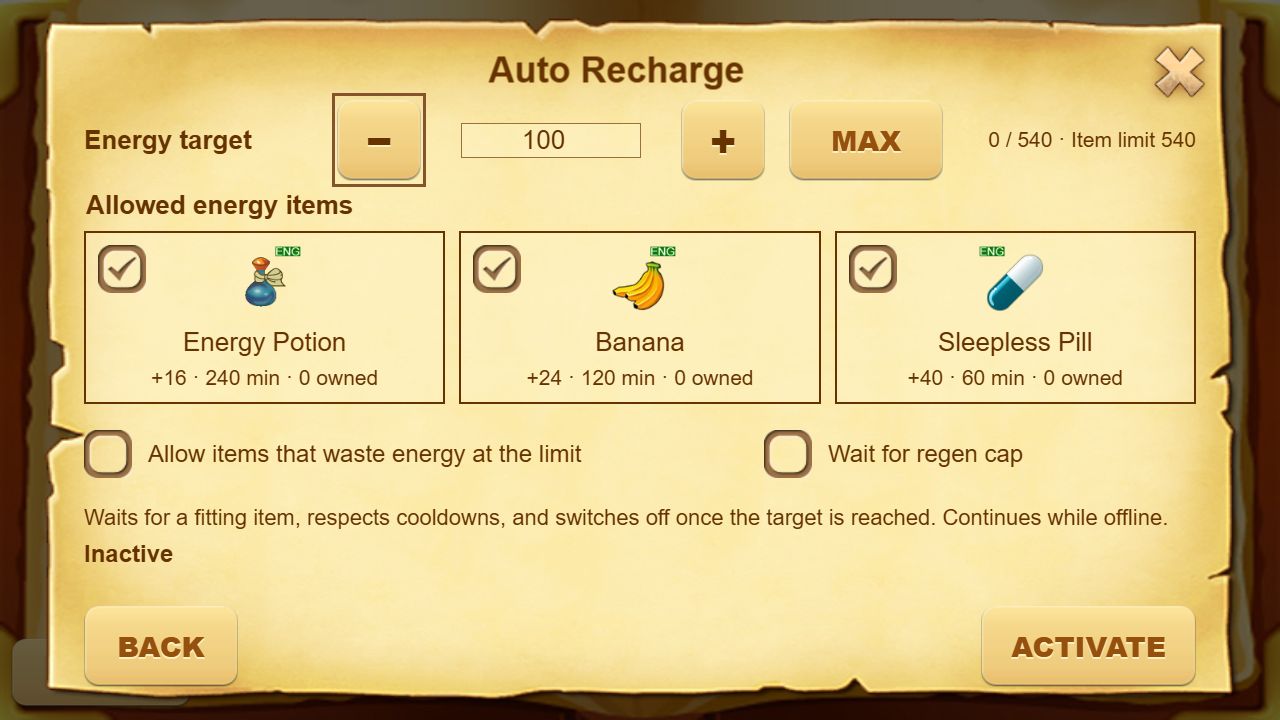
Open Configure or Manage, set your energy target, and select the energy items it may consume. Activate it to use those items automatically as cooldowns allow. It continues offline and switches off when the target is reached.
Wait for regen cap delays item use until natural regeneration reaches its cap, once per activation. Allowing wasted energy lets it use items that would exceed the item energy limit. Without that option, it waits for an item that fits. Check the displayed status if it is waiting for items or cooldowns.